

This page outlines some of the ways to search MAST for HSLA data. For a more complete description of the below, please see either the MAST Portal Guide or the astroquery.mast readthedocs.
Searching in the MAST Portal
This is a brief overview of how to use the MAST Portal to find HSLA data.
To begin, navigate to the MAST Portal Search Interface. Then, click the option for an "advanced search".

With the advanced search screen open, navigate to the "column" fields on the left. Ensure that the "Target Classification" option has the box checked. This will enable us to search on the HSLA classifications.
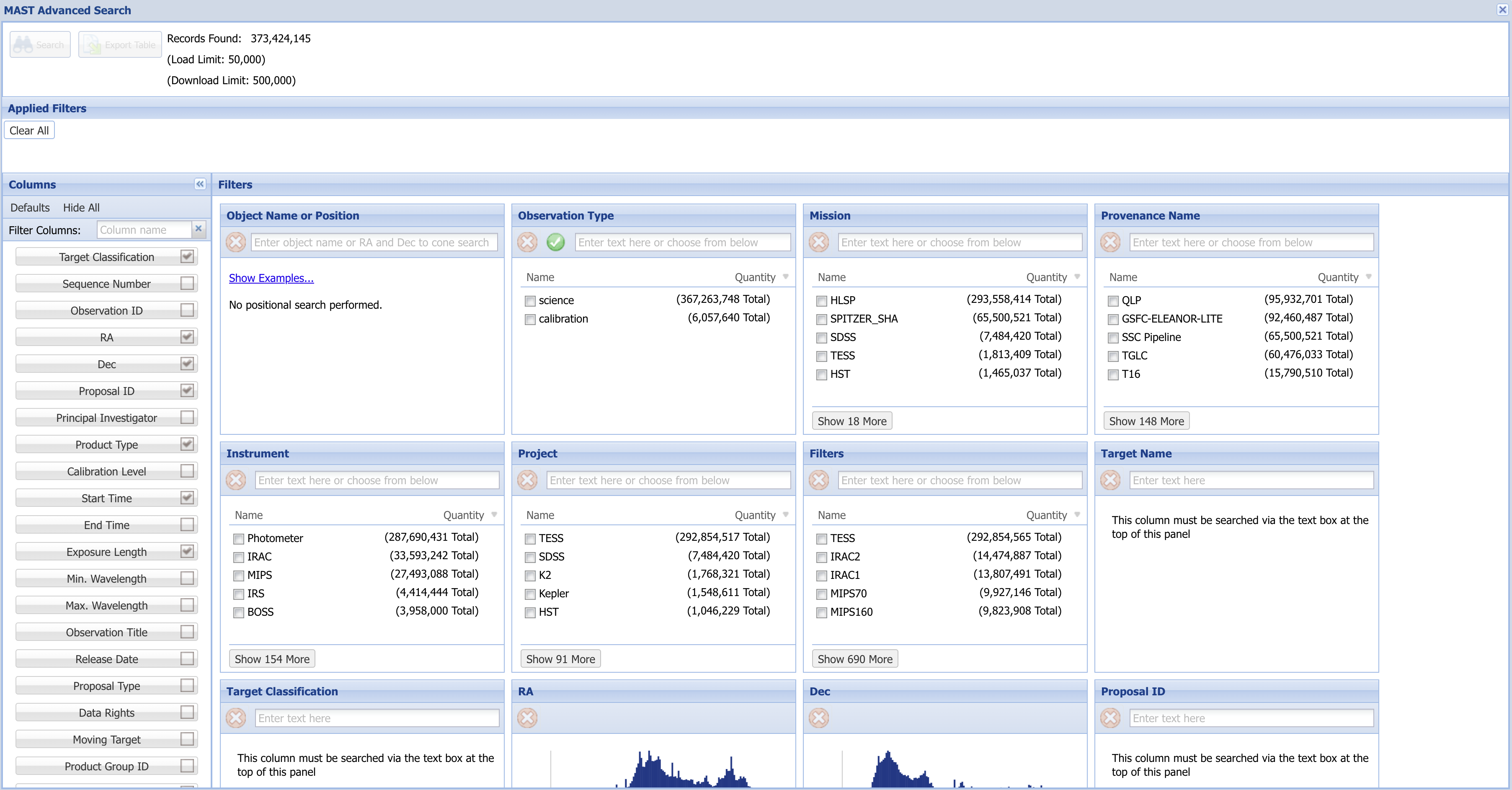
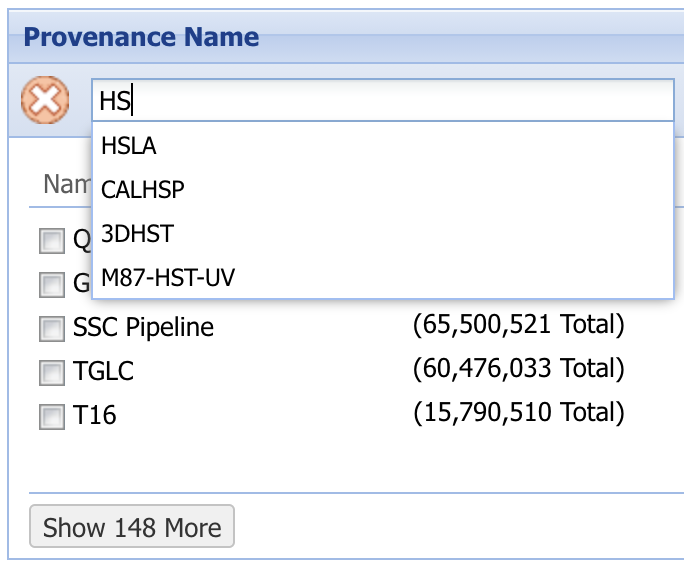
To limit searches to HSLA results, set the "Provenance Name" field to "HSLA". This should automatically be suggested as you begin to type into the field.
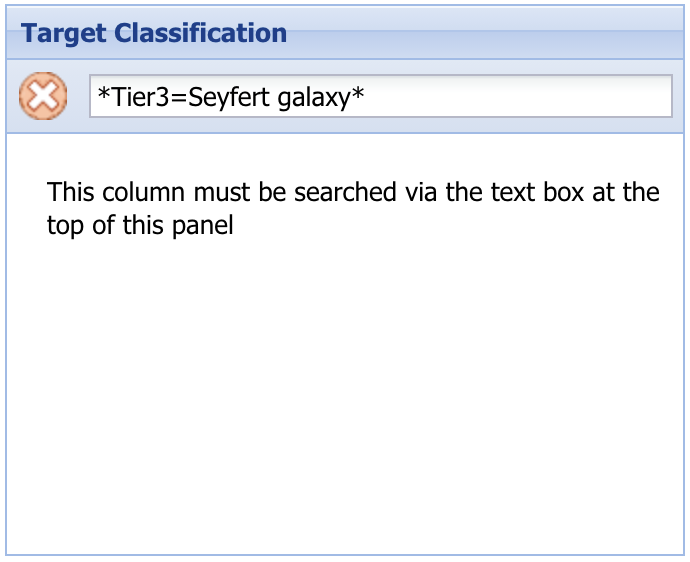
You can additionally set a target classification. You'll need to combine wildcard characters, tier level, and classification as follows: *TierN=Classification*. In the example shown in the image at right, the tier level is three, and the classification is "Seyfert galaxy".
Searching in the API
Although querying by position and querying by category follow similar steps, we reproduce them separately below as "recipes" that can be more easily copied and modified.
Position-Based Queries
You can set an "objectname" in a query to have it resolved to coordinates (usually by Simbad or NED). By default, the radius around the object is 0.2 arcseconds.
from astroquery.mast import Observations

obs = Observations.query_criteria(objectname="Trappist-1", provenance_name="HSLA")

# fetch the products (files) for these observations and download them
prod = Observations.get_product_list(obs)
Observations.download_products(prod)
Classification-Based Queries
To get results based on the HSLA classifications, you can instead use the "target_classification" parameter. As with a search in the MAST Portal, you'll need to pad your search with the '*' wildcard character.
from astroquery.mast import Observations

obs = Observations.query_criteria(target_classification="*TIER3=Quasar", provenance_name="HSLA")

# fetch the products (files) for these observations and download them
prod = Observations.get_product_list(obs)
Observations.download_products(prod)
Tier 1 and Tier 2 Query Links
To proceed directly to search results for a particular HSLA classification, you can click any of the links below.
Search Links
Galaxy Clusters & Large-Scale Structure
Star Clusters & Stellar Associations